
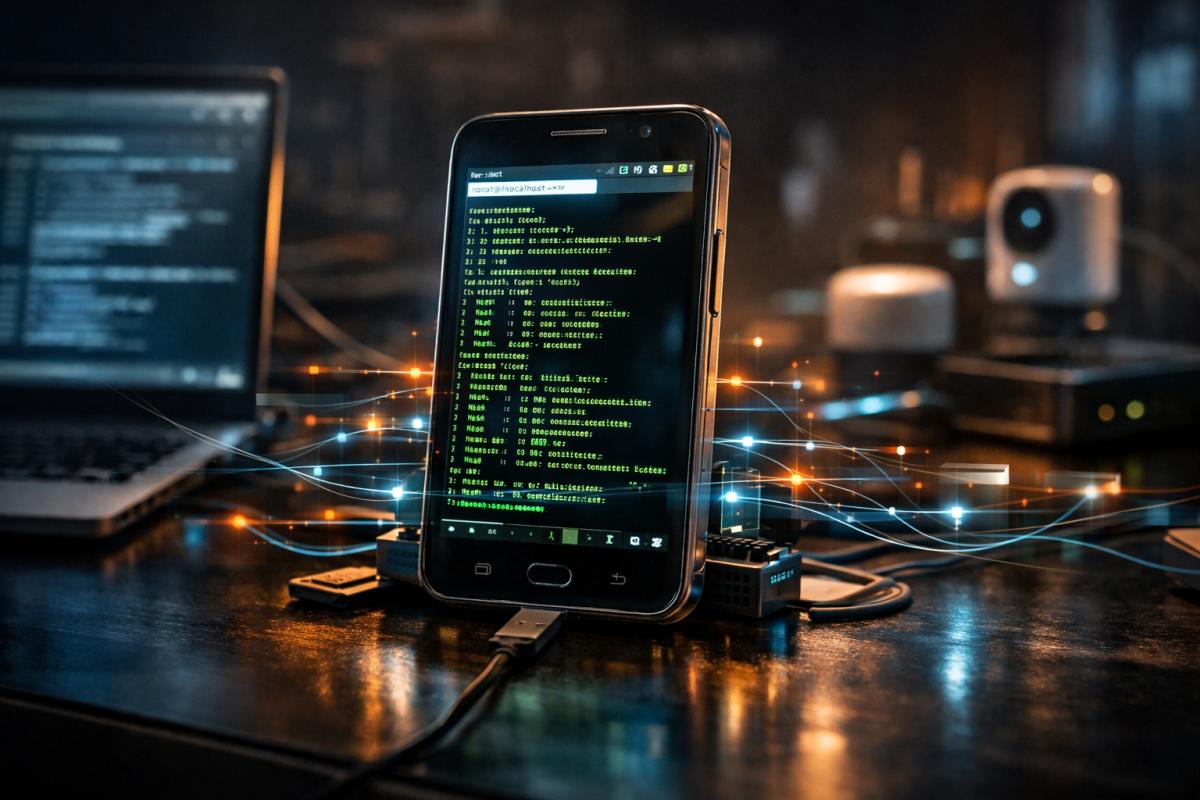

Technology evolves at a breathtaking pace. Every year, millions of smartphones are replaced by newer models, leaving perfectly functional devices sitting unused in drawers. While many people consider these devices obsolete, tech enthusiasts and developers have discovered a fascinating alternative use: transforming an old smartphone into a homelab server.
A homelab is a personal environment where developers, system administrators, and tech hobbyists experiment with networking, servers, and software. Traditionally, homelabs require hardware like Raspberry Pi boards, mini PCs, or old desktop computers. However, modern smartphones contain powerful multi-core processors, substantial memory, and reliable wireless connectivity, making them capable of running server workloads. Even a several-year-old smartphone can handle lightweight hosting tasks, making it an ideal platform for experimentation and learning. :contentReference[oaicite:0]{index=0}
This article explores the concept of using an old phone as a homelab server, explains how it works, the software tools involved, advantages, limitations, and the broader implications of repurposing consumer electronics for server infrastructure.
Understanding the Concept of a Homelab
A homelab refers to a small-scale computing environment set up at home for experimentation and learning. It allows individuals to simulate real-world infrastructure without needing expensive enterprise hardware.
Typical Homelab Uses
- Hosting personal websites
- Running file servers
- Experimenting with networking technologies
- Learning Linux administration
- Running containers and automation tools
- Media streaming and storage
- Smart home automation servers
Traditionally, enthusiasts used older desktop computers or dedicated hardware like Raspberry Pi. However, the processing power of smartphones has increased dramatically over the past decade, making them surprisingly capable for similar tasks.
Modern smartphones include multi-core CPUs, gigabytes of RAM, and high-speed storage, making them powerful enough to run lightweight server applications.
Why Use an Old Phone as a Server?
At first glance, using a smartphone as a server may seem unusual. Servers are usually associated with racks of computers in data centers. However, for small workloads and personal experimentation, smartphones offer several compelling advantages.
Cost Efficiency
The biggest advantage is cost. Instead of purchasing dedicated hardware, you can repurpose a device you already own. Many households have multiple unused phones that could easily be transformed into small servers.
Energy Efficiency
Smartphones are designed to operate on batteries and consume very little power. Compared to traditional servers that may consume hundreds of watts, a smartphone typically uses only a few watts of electricity. This makes it extremely energy efficient for small workloads.
Compact Hardware
Another benefit is the compact size. A phone server occupies almost no physical space and can run silently without cooling fans.
Built-in Connectivity
- Wi-Fi connectivity
- Bluetooth support
- Cellular networking
- Internal storage
- Battery backup
This means you can run network services immediately without needing extra hardware.
Hardware Capabilities of Smartphones
Many people underestimate how powerful smartphones have become. Even mid-range devices contain hardware comparable to entry-level computers from a few years ago.
| Component | Typical Smartphone Capability | Server Relevance |
|---|---|---|
| CPU | Multi-core ARM processors | Runs Linux services and containers |
| RAM | 4GB – 12GB | Handles multiple applications |
| Storage | 64GB – 512GB | Hosts files and databases |
| Networking | Wi-Fi / Cellular | Remote access and hosting |
| Battery | 3000–5000 mAh | Built-in power backup |
These features allow smartphones to perform tasks such as hosting web servers, running automation services, or managing smart home devices.
Key Software Tools Used in Smartphone Homelabs
Turning a phone into a server requires software that allows deeper control over the system. One of the most widely used tools is Termux, an Android terminal environment that provides Linux-like functionality.
Termux
Termux provides a full Linux environment on Android devices. It allows users to install command-line tools, compilers, and server applications. Through Termux, users can install packages like:
- OpenSSH
- Python
- Node.js
- Nginx
- Git
- Docker (in certain setups)
With these tools installed, the phone effectively behaves like a miniature Linux server.
Linux Virtual Machines
Some setups involve running virtual machines inside Android using emulation tools like QEMU. This allows a lightweight Linux distribution such as Alpine Linux to run on the device.
In one documented setup, a user installed a Linux VM through Termux and used Docker containers to run server applications such as media servers. :contentReference[oaicite:1]{index=1}
SSH Remote Access
SSH allows users to control the phone remotely from another computer. Once SSH is configured, the device can operate like a traditional server accessible through the network.
Steps to Turn an Old Phone into a Homelab Server
While exact procedures vary depending on device models and operating systems, the overall process generally follows these steps.
1. Prepare the Device
- Factory reset the phone
- Update the operating system
- Remove unnecessary apps
- Disable battery optimization for server apps
2. Install a Terminal Environment
Install a Linux terminal environment like Termux to access system-level tools and packages.
3. Update Packages
Update package repositories and install essential development tools.
4. Install Server Software
- Web servers (Nginx or Apache)
- File servers
- Automation scripts
- Database servers
5. Configure Networking
To allow external devices to access the server, you must configure networking settings such as:
- Port forwarding
- Dynamic DNS
- SSH access
- Firewall rules
6. Deploy Applications
After setup, you can host applications like personal websites, APIs, or automation tools.
Example Applications for a Smartphone Homelab
A smartphone homelab can host many different services depending on available hardware resources.
Personal Website Hosting
Developers can host personal portfolios or small web applications directly from their phones.
Media Streaming Servers
Media servers like Jellyfin allow users to stream movies and music to other devices on their network.
Smart Home Automation
Platforms such as Home Assistant can run on smartphones to manage smart home devices.
Private Cloud Storage
A phone can act as a lightweight NAS (Network Attached Storage) for file sharing within a home network.
Limitations of Smartphone Servers
While smartphone servers are fascinating, they are not without limitations.
Network Restrictions
Most smartphones rely on Wi-Fi rather than wired Ethernet, which can limit network reliability and speed.
Thermal Management
Phones are not designed for sustained high CPU workloads. Continuous server tasks may generate heat.
Storage Limitations
Although smartphones may have large internal storage, they usually lack expandable storage options compared to traditional servers.
Hardware Access
Smartphones have limited ports and hardware expandability compared to PCs or dedicated servers.
Security Considerations
Running a server always introduces security risks. Proper configuration is essential to prevent unauthorized access.
- Use strong passwords
- Enable SSH keys instead of passwords
- Update packages regularly
- Monitor network traffic
- Use firewalls and VPN access
Security should always be a priority when exposing any device to the internet.
The Sustainability Perspective
Repurposing smartphones for homelabs also supports environmental sustainability. Electronic waste is one of the fastest-growing waste streams globally. Extending the life of devices reduces environmental impact and encourages responsible technology usage.
Instead of discarding old devices, repurposing them for computing experiments allows users to extract additional value from existing hardware.
Community and DIY Innovation
The homelab community thrives on experimentation and creativity. Developers and hobbyists regularly discover new ways to repurpose devices for computing infrastructure.
Online communities frequently share guides, configurations, and projects related to smartphone servers. Some users even run automation systems, network monitoring tools, or development environments on old phones.
Repurposing everyday hardware for experimental computing projects reflects the spirit of the maker movement and open-source innovation.
The Future of Personal Server Infrastructure
As smartphones continue to become more powerful, their potential as computing devices will expand. Future devices may include even faster processors, more RAM, and better connectivity options.
In the future, personal computing may become increasingly decentralized. Instead of relying entirely on cloud services, individuals may operate their own micro servers from devices they already own.
Smartphones could play a significant role in this decentralized infrastructure.
Conclusion
Turning an old smartphone into a homelab server demonstrates how powerful modern mobile devices have become. With the right software tools and configuration, a device that might otherwise gather dust in a drawer can become a functional server capable of hosting websites, managing files, running automation tools, or supporting development experiments.
While smartphone servers cannot replace enterprise-grade hardware or large-scale infrastructure, they offer a low-cost and energy-efficient platform for learning, experimentation, and small-scale hosting. For students, developers, and technology enthusiasts, repurposing an old phone into a server represents an excellent opportunity to explore networking, Linux administration, and self-hosting without investing in expensive hardware.
Beyond the technical benefits, the concept also highlights a broader principle in modern technology culture: innovation does not always require new devices. Sometimes the most interesting projects begin with hardware we already have. By creatively reusing old smartphones, we not only expand our technical knowledge but also contribute to a more sustainable and resourceful approach to computing.

Community Insights