
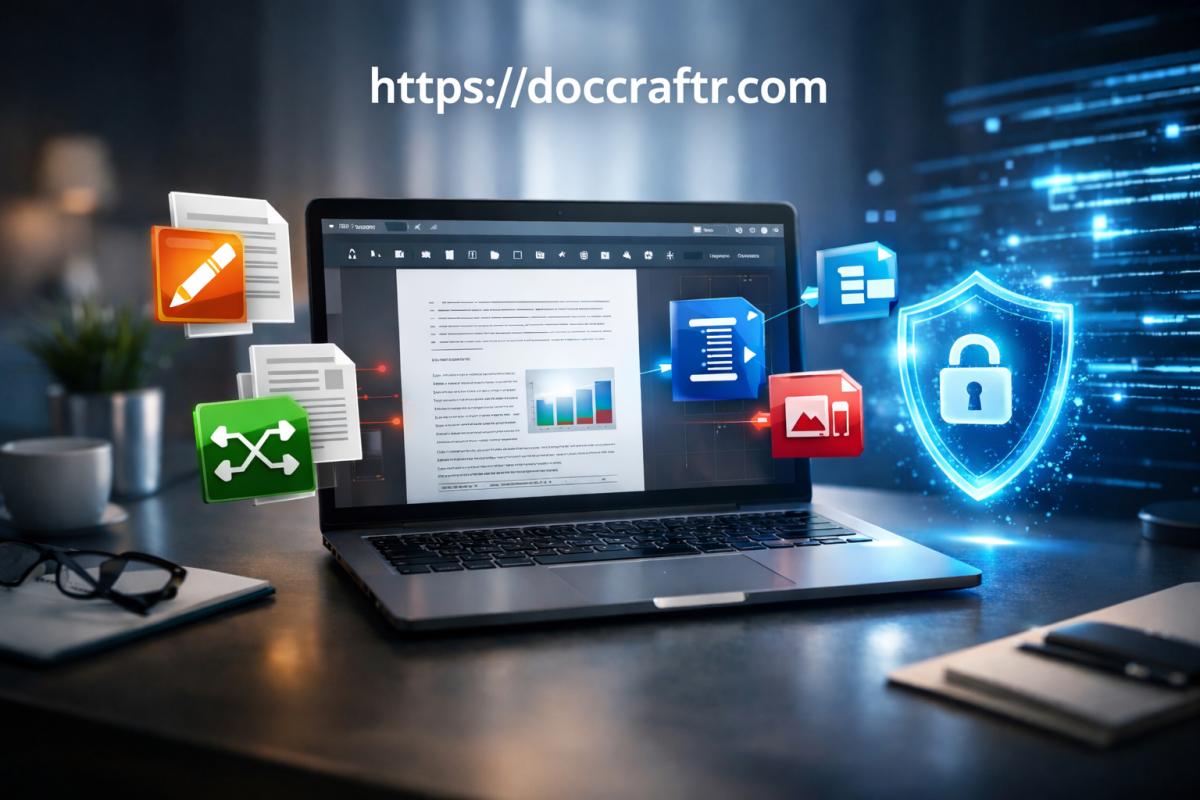

In today’s digital ecosystem, PDF (Portable Document Format) has become the universal standard for sharing documents across businesses, educational institutions, governments, and individuals. From contracts and invoices to exam notes and official forms, PDFs ensure consistent formatting across devices and operating systems. However, working efficiently with PDFs often requires specialized tools such as editors, converters, compressors, and organizers.
Traditionally, users relied on heavy desktop applications or cloud-based tools that required uploading documents to external servers. While these solutions provided convenience, they also introduced serious concerns regarding privacy, security, performance, and accessibility. Uploading sensitive files such as legal contracts, financial statements, or personal identification documents to third-party servers always carries potential risk.
DocCraftr.com addresses these issues with a revolutionary approach: a fully browser-based PDF toolkit powered by modern web technologies like WebAssembly (WASM). Unlike traditional platforms, DocCraftr processes files directly on the user’s device, eliminating the need for server uploads. This results in faster performance, improved privacy, and a seamless user experience.
Overview of DocCraftr
DocCraftr is a comprehensive online platform offering a wide range of PDF tools, including editing, merging, splitting, compressing, converting, and OCR processing. The platform is designed to work entirely within the browser, requiring no installation, downloads, or account registration.
The primary philosophy behind DocCraftr is local-first processing, meaning files are handled on the user’s own device rather than remote servers. This architecture provides several benefits:
- Maximum privacy and data security
- Instant processing without upload delays
- No file storage on external servers
- No login or account required
- Works on any modern device with a browser
DocCraftr essentially transforms the browser into a powerful document processing environment capable of handling professional workflows.
Core Technology Architecture
1. WebAssembly (WASM) Processing Engine
One of the most important innovations behind DocCraftr is its use of WebAssembly. WebAssembly allows complex applications to run directly inside the browser at near-native speeds. This enables DocCraftr to perform heavy tasks such as PDF conversion, compression, and editing locally.
Key advantages include:
- Near-native processing speed
- No internet upload delays
- Reduced dependency on remote servers
- Improved performance for large files
- Better reliability even on slow internet connections
WebAssembly enables modern web applications to perform complex computing tasks locally, reducing reliance on traditional server-based processing.
2. Local-First Privacy Model
Most online PDF tools require uploading files to servers where they are processed and stored temporarily. This introduces potential security vulnerabilities. DocCraftr eliminates this risk by processing files locally.
This means:
- Files never leave your device
- No server storage or retention
- No third-party access
- No data tracking
This makes DocCraftr ideal for handling confidential or sensitive documents.
3. Secure Browser Sandbox
DocCraftr operates inside the browser’s secure sandbox environment. Files exist only temporarily in memory and are automatically removed after processing. This ensures strong protection against data leaks.
Main Features of DocCraftr
1. PDF Editing Tool
DocCraftr includes a powerful browser-based editor that allows users to modify PDF files easily.
- Add or edit text
- Insert images
- Highlight important sections
- Annotate documents
- Draw shapes and markings
This feature is useful for students, professionals, and businesses that need to update documents quickly.
2. Merge PDF Tool
The merge tool allows users to combine multiple PDF files into a single document.
- Combine reports
- Merge study materials
- Create complete document packages
The process maintains original formatting and structure.
3. Split PDF Tool
Splitting allows users to extract pages or divide documents.
- Extract individual pages
- Split by page range
- Create multiple files
This is useful for organizing large documents.
4. Remove Pages Tool
Users can permanently remove unwanted pages.
- Delete confidential pages
- Remove blank pages
- Clean up documents
5. Rotate PDF Tool
This feature fixes incorrectly oriented pages.
- Rotate scanned pages
- Correct orientation errors
- Improve readability
6. Crop PDF Tool
Cropping allows removal of unnecessary margins or unwanted content.
- Remove white space
- Focus on important areas
- Improve document presentation
7. Compress PDF Tool
Large PDF files can be difficult to share. Compression reduces file size while maintaining quality.
- Reduce file size significantly
- Optimize for email
- Save storage space
8. Convert PDF to Other Formats
DocCraftr supports converting PDFs into multiple formats:
- PDF to Word
- PDF to Excel
- PDF to PowerPoint
- PDF to JPG
This allows easy editing and reuse of content.
9. Convert Files to PDF
Users can convert various file types into PDF format.
- Word to PDF
- Excel to PDF
- Images to PDF
- HTML to PDF
10. OCR (Optical Character Recognition)
OCR converts scanned documents into editable text.
- Extract text from images
- Convert scanned PDFs
- Create searchable documents
Performance Benefits
Faster Processing
Because files are processed locally, users avoid upload and download delays. This significantly improves speed.
No Storage Requirements
Files are not stored on servers, reducing storage risks.
No Account Required
Users can access tools instantly without creating accounts.
User Experience and Interface
DocCraftr offers a modern and intuitive interface designed for efficiency.
- Drag-and-drop file upload
- Instant previews
- Clean layout
- Simple navigation
Most tasks can be completed in seconds.
Comparison with Traditional PDF Tools
| Feature | DocCraftr | Traditional Tools |
|---|---|---|
| Privacy | Excellent (local processing) | Moderate (server processing) |
| Speed | Very fast | Slower due to uploads |
| Installation | Not required | Often required |
| Cost | Free | Often paid |
| Accessibility | Any browser | Limited to installed devices |
Use Cases
Students
- Organize study notes
- Compress assignment files
- Edit academic PDFs
Businesses
- Manage contracts
- Process invoices
- Share reports
Government and Legal
- Handle confidential documents
- Digitize records
- Secure document workflows
Advantages
- Strong privacy protection
- No installation required
- Fast processing
- Free access
- Professional-grade tools
Limitations
- Dependent on device performance
- Large files require sufficient RAM
- Requires modern browser
Workflow Example
- Open DocCraftr in your browser
- Select the desired tool
- Upload your document
- Process the file locally
- Download the result instantly
Future Potential
Browser-based tools like DocCraftr represent the future of software. As web technologies continue to evolve, platforms like DocCraftr may include additional features such as:
- AI document analysis
- Digital signatures
- Offline support
- Advanced automation
Conclusion
DocCraftr.com represents a major advancement in browser-based document processing. By leveraging WebAssembly and local-first architecture, it delivers a powerful, secure, and efficient PDF toolkit without requiring installation or server uploads. Its wide range of tools—including editing, compression, conversion, merging, splitting, and OCR—makes it suitable for students, professionals, businesses, and government users alike.
The platform’s emphasis on privacy, speed, and accessibility sets it apart from traditional cloud-based PDF services. Users can process sensitive documents confidently, knowing their files remain on their own device. With modern design, fast performance, and comprehensive features, DocCraftr demonstrates how advanced web technologies can replace traditional desktop software and redefine document management for the modern era.
Community Insights