
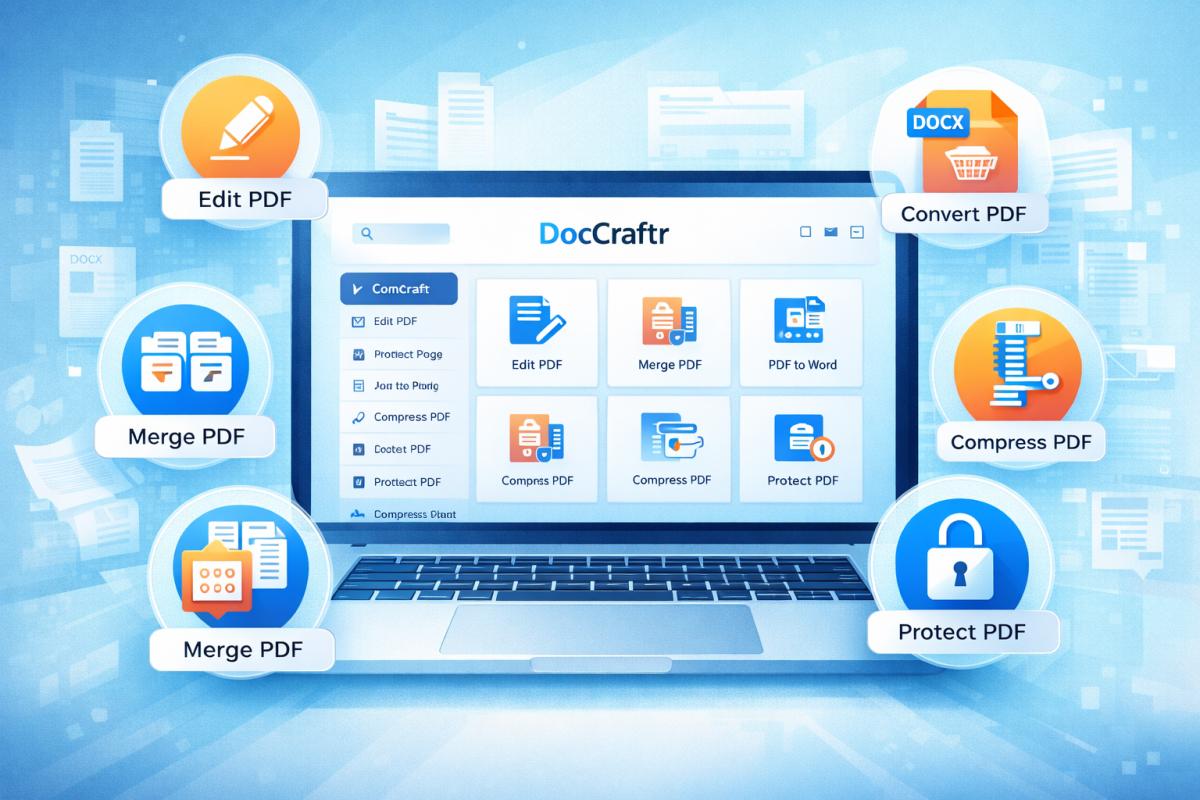

DocCraftr.com is a modern online platform designed to help users manage, edit, convert, and secure PDF documents directly from their browser. Instead of installing heavy software, users can access powerful document tools instantly from any device including desktop, tablet, and mobile. The platform provides a comprehensive set of PDF utilities that simplify everyday document workflows.
Whether you need to edit a document, merge files, convert formats, compress PDFs, or secure confidential files, DocCraftr offers everything in one place. The tools are designed with speed, simplicity, and privacy in mind so that users can process documents efficiently.
Complete PDF Tools Available on DocCraftr
DocCraftr provides a wide range of tools organized into multiple categories so users can quickly find the feature they need. These categories cover editing, organization, conversion, optimization, and document security.
| Category | Main Purpose |
|---|---|
| Edit & Annotate | Edit PDFs, add signatures, watermarks and annotations |
| Organise Pages | Merge, split, rotate, crop and arrange pages |
| Convert from PDF | Convert PDFs into Word, Excel, PowerPoint or images |
| Convert to PDF | Convert documents, images or webpages into PDF format |
| Optimise & Compress | Reduce size, enhance quality and run OCR |
| Security & Compliance | Protect or unlock PDFs with encryption |
Edit & Annotate Tools
The editing tools allow users to modify documents without changing the original layout. These tools are especially useful for reviewing contracts, adding notes, signing documents, or preparing reports.
- Edit PDF – Add text, images, shapes and annotations
- Sign PDF – Draw, type or upload a digital signature
- Redact PDF – Permanently remove sensitive information
- Watermark PDF – Insert text or image watermarks
- Page Numbers – Add custom page numbering
- Flatten PDF – Convert interactive forms to static content
- Fill PDF – Fill forms, checkboxes and dropdown fields
Organise PDF Pages
DocCraftr includes advanced page management tools that help users organize documents quickly. These tools make it easy to restructure large files or combine multiple documents.
- Merge PDF – Combine multiple PDF files
- Split PDF – Extract or divide pages
- Organise PDF – Drag and drop to reorder pages
- Remove Pages – Delete unwanted pages
- Rotate PDF – Rotate pages to correct orientation
- Crop PDF – Remove margins and extra whitespace
Convert from PDF
Conversion tools allow users to transform PDF documents into editable or reusable formats. This is useful for extracting content from PDFs and continuing work in other applications.
- PDF to Word – Convert PDFs to editable DOCX
- PDF to Excel – Extract tables into spreadsheets
- PDF to PPT – Convert documents to PowerPoint slides
- PDF to JPG – Export pages as images
- Extract Images from PDF – Download embedded images
- PDF to PDF/A – Convert to long-term archival format
Convert Files to PDF
DocCraftr also supports converting various file formats into PDF documents, making it easy to share files universally.
- Word to PDF – Convert DOC or DOCX files
- Excel to PDF – Turn spreadsheets into PDFs
- PPT to PDF – Convert presentations
- JPG to PDF – Combine images into PDF documents
- HTML to PDF – Convert webpages into PDF files
- Scan to PDF – Scan documents directly into PDF format
Optimise and Compress Tools
Large PDFs can be difficult to share or upload. DocCraftr offers optimization tools to reduce file size and improve document quality.
- Compress PDF – Reduce PDF file size
- OCR PDF – Make scanned PDFs searchable
- Enhance PDF – Improve scan clarity and readability
- Sanitize PDF – Remove hidden metadata and scripts
- Compare PDF – Highlight differences between documents
Security and Compliance Tools
Document security is essential when dealing with confidential information. DocCraftr provides encryption and password management tools to protect sensitive files.
- Protect PDF – Encrypt documents with a password
- Unlock PDF – Remove password protection from PDFs
Why Use DocCraftr?
DocCraftr is designed to provide a simple and efficient document management experience. Instead of switching between multiple websites or installing complex software, users can access all necessary tools from a single platform.
DocCraftr brings powerful PDF tools together in one fast, secure and easy-to-use platform available from any device.
- All tools available in one platform
- No complex software installation required
- Works on mobile, tablet and desktop
- Fast processing and easy interface
- Professional quality document tools
Conclusion
DocCraftr.com provides a complete ecosystem of PDF tools designed to simplify document workflows. From editing and signing documents to converting files, organizing pages, optimizing PDFs, and securing confidential information, the platform offers everything users need to manage digital documents efficiently. With dozens of integrated tools and a user-friendly interface, DocCraftr helps individuals, students, and businesses handle PDF tasks quickly and professionally from anywhere.
Community Insights