
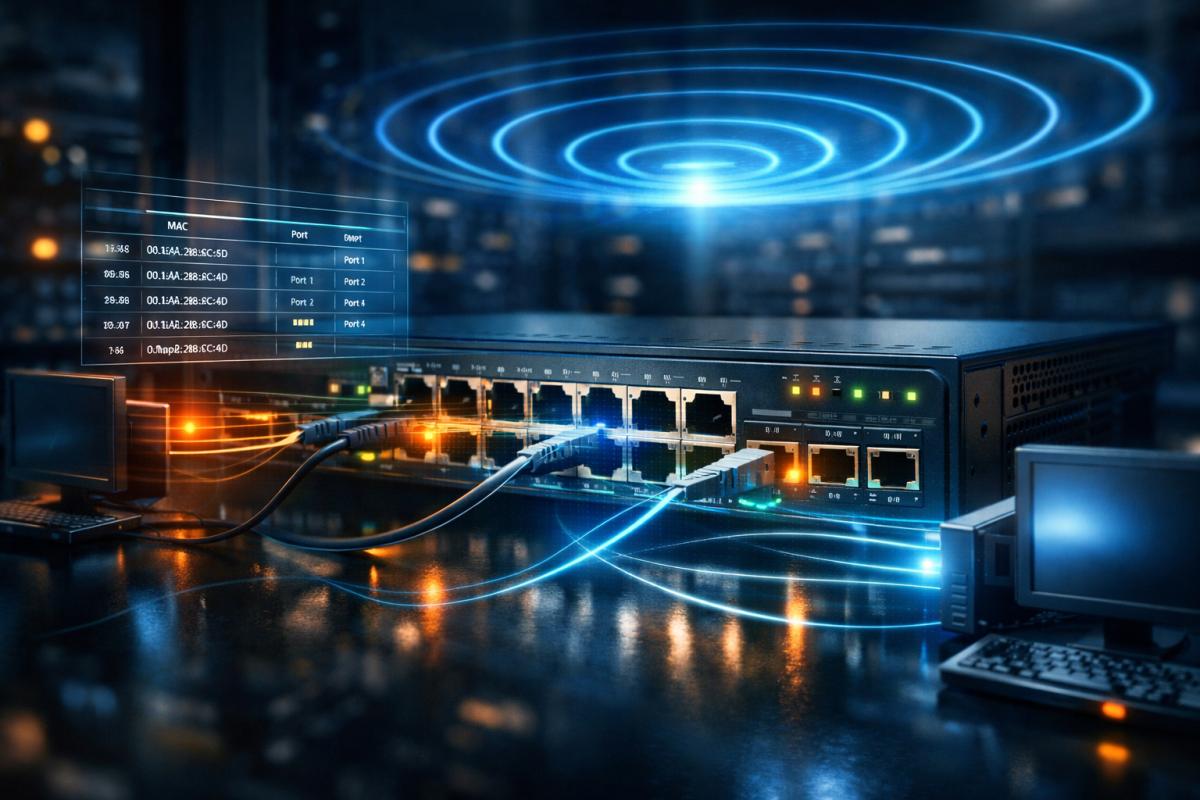

Modern computer networks appear seamless to end users. You connect a device to a switch, assign an IP address, and communication “just works.” However, beneath that simplicity lies a precise sequence of Layer 2 operations involving MAC address learning, Ethernet frame forwarding, broadcast handling, and ARP resolution. If you are preparing for the CCNA 200-301 exam or building foundational networking expertise, mastering these mechanisms is non-negotiable.
This comprehensive guide dissects Ethernet switching behaviour in granular detail. We will examine how switches construct MAC address tables, how frames are forwarded, when and why flooding occurs, how ARP integrates into Layer 2 operations, and how these concepts translate into troubleshooting and real-world deployment scenarios. The goal is not memorisation but conceptual clarity.
1. Revisiting the OSI Model Context
1.1 Layer 2 vs Layer 3 Responsibilities
Before diving into MAC learning, we must clearly differentiate between responsibilities:
- Layer 2 (Data Link Layer): Frame delivery within a local broadcast domain using MAC addresses.
- Layer 3 (Network Layer): Logical addressing and routing between networks using IP addresses.
Switches operate primarily at Layer 2. They do not evaluate IP subnets for forwarding decisions (unless performing Layer 3 switching). Instead, their forwarding logic is based entirely on Ethernet frame headers.
1.2 Ethernet Frame Structure
An Ethernet frame contains critical fields:
| Field | Purpose |
|---|---|
| Destination MAC | Identifies intended recipient |
| Source MAC | Identifies sender |
| EtherType | Indicates payload protocol (IPv4, ARP, etc.) |
| Payload | Encapsulated data |
| FCS | Error detection |
The switch examines only the MAC-related header fields to make forwarding decisions.
2. Understanding MAC Addresses in Depth
2.1 Structure of a MAC Address
A MAC address is a 48-bit value written in hexadecimal format. It is divided into:
- Organizationally Unique Identifier (OUI) – first 24 bits (manufacturer ID)
- Device-specific identifier – last 24 bits
Example: 00:1C:42:2E:60:4A
The OUI identifies the vendor of the network interface card, while the second half uniquely distinguishes the device.
2.2 Types of MAC Addresses
- Unicast: One-to-one communication
- Broadcast: FF:FF:FF:FF:FF:FF
- Multicast: One-to-many selective delivery
Switch behavior differs significantly depending on the address type.
3. The Switch MAC Address Table (CAM Table)
3.1 What Is the CAM Table?
Switches maintain a Content Addressable Memory (CAM) table that maps MAC addresses to switch ports. This table is dynamically built through observation of incoming traffic.
3.2 The Learning Process
Every time a frame enters a switch:
- The switch reads the source MAC address.
- The switch associates that MAC with the incoming port.
- If the MAC already exists but on a different port, the table updates.
This process occurs continuously and automatically. No manual configuration is required for dynamic entries.
3.3 Example of MAC Learning
Consider:
- PC-A connected to Port 1
- PC-B connected to Port 2
When PC-A sends a frame:
- Switch learns PC-A’s MAC → Port 1
When PC-B responds:
- Switch learns PC-B’s MAC → Port 2
From this point forward, traffic between them is efficiently forwarded without flooding.
4. Frame Forwarding Logic
4.1 Known Unicast
If the destination MAC exists in the CAM table, the switch forwards the frame only to the associated port.
This is optimal behavior: no unnecessary traffic replication.
4.2 Unknown Unicast
If the destination MAC is not found:
- The switch floods the frame out all ports except the source port.
This ensures the destination device receives the frame even if the switch has not yet learned its location.
4.3 Broadcast Handling
Broadcast frames are always flooded within the VLAN.
Switches do not consult the MAC table for broadcast frames.
5. MAC Address Aging
5.1 Why Aging Exists
Switches remove entries after a defined inactivity period (typically 300 seconds). This prevents stale mappings.
5.2 Impact of Aging
- Expired entries cause temporary flooding.
- Active traffic refreshes the aging timer.
In enterprise networks, this dynamic behavior ensures adaptability to topology changes.
6. ARP and Its Critical Role
6.1 The IP-to-MAC Resolution Process
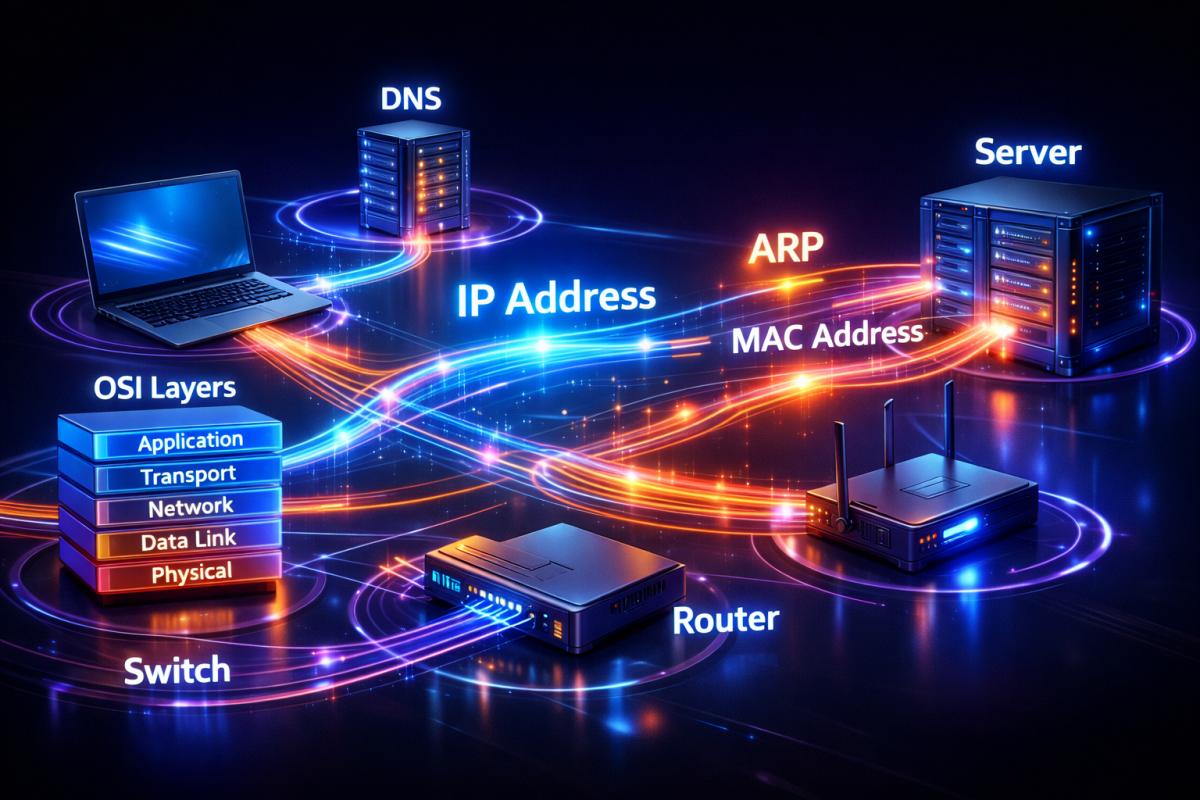
Devices communicate using IP at Layer 3, but actual delivery requires MAC addresses.
When a device wants to send data:
- It checks its ARP cache.
- If no entry exists, it broadcasts an ARP request.
- The target replies with its MAC address.
6.2 ARP Frame Behavior in Switches
- ARP requests → broadcast → flooded
- ARP replies → unicast → used for learning
ARP traffic often initiates the first MAC learning events in a network.
7. Real Network Walkthrough
7.1 First-Time Communication Scenario
Assume Host A wants to communicate with Host B.
- Host A sends ARP request (broadcast).
- Switch floods broadcast.
- Host B responds with ARP reply.
- Switch learns Host B MAC.
- Subsequent traffic becomes known unicast.
This sequence is foundational to understanding Ethernet switching behavior.
8. VLANs and Broadcast Domains
8.1 VLAN Segmentation
Virtual LANs logically segment networks.
Each VLAN has:
- Independent MAC table entries
- Separate broadcast domain
8.2 Why VLANs Matter
- Reduced broadcast traffic
- Improved security segmentation
- Better traffic management
Switches maintain MAC entries per VLAN context.
9. Advanced Switching Concepts
9.1 Port Security
Port security limits the number of MAC addresses learned per port.
- Protects against MAC flooding attacks
- Prevents unauthorized device connection
9.2 MAC Flooding Attacks
An attacker can overwhelm the CAM table with fake entries.
When the table overflows:
- Switch behaves like a hub
- Frames flood indiscriminately
Mitigation includes enabling port security and limiting MAC addresses per port.
10. Troubleshooting Scenarios
10.1 Continuous Flooding
Possible causes:
- MAC entry aged out
- High mobility devices
- Misconfigured VLAN
10.2 Intermittent Connectivity
- Duplicate MAC addresses
- Layer 2 loops
- Spanning Tree recalculation
Analyzing MAC tables is a key diagnostic technique.
11. Comparing Hub vs Switch Behavior
| Feature | Hub | Switch |
|---|---|---|
| MAC Learning | No | Yes |
| Collision Domains | One | Per Port |
| Efficiency | Low | High |
This distinction is critical for certification exams.
12. Practical Lab Recommendations
12.1 Tools to Practice
- Packet Tracer
- GNS3
- EVE-NG
12.2 Suggested Experiments
- Clear MAC table and generate traffic.
- Observe flooding behaviour.
- Configure port security.
- Change VLAN assignments and observe separation.
Hands-on experimentation cements understanding.
13. Performance Considerations in Enterprise Networks
13.1 Large Broadcast Domains
Excessive broadcasts can degrade performance.
13.2 Hierarchical Network Design
- Access layer – user connectivity
- Distribution layer – policy enforcement
- Core layer – high-speed backbone
Proper design limits unnecessary flooding.
14. Exam Strategy for CCNA
- Understand behaviour, not just definitions.
- Visualize frame flow step-by-step.
- Remember when flooding occurs.
- Differentiate ARP broadcast from unicast reply.
Exam questions frequently test subtle differences in switching logic.
15. Bringing It All Together
At its core, Ethernet switching is a self-learning system driven by traffic observation. A switch does not inherently know device locations. It constructs its forwarding intelligence dynamically through source MAC inspection. Flooding is not a malfunction but a necessary discovery mechanism. ARP is the bridge between IP logic and Layer 2 delivery. Ageing ensures adaptability. VLANs enforce segmentation.
Mastering these interactions transforms networking from abstract theory into predictable engineering behaviour.
Conclusion
Understanding MAC address learning, CAM table construction, frame forwarding logic, ARP interaction, and broadcast domain segmentation is fundamental to becoming a competent network engineer and succeeding in the CCNA 200-301 exam. These mechanisms explain how switches operate efficiently, why flooding occurs, how dynamic learning adapts to topology changes, and how segmentation through VLANs improves performance and security. By studying these concepts deeply and validating them through hands-on lab practice, you build not only exam readiness but also real-world troubleshooting competence. Ethernet switching is not magic—it is deterministic logic executed at wire speed, and once you internalise that logic, network behaviour becomes predictable, diagnosable, and optimizable.

Community Insights